Emergency HVAC Answering Service for On-Call Teams
Our emergency HVAC answering service collects the problem, flags urgency and follows your on-call contact order. Try an overnight no-heat scenario in the browser, then request a free trial to set your shop's dispatch instructions.
A 14-day free trial on request, up to 100 minutesPrivacySecurity
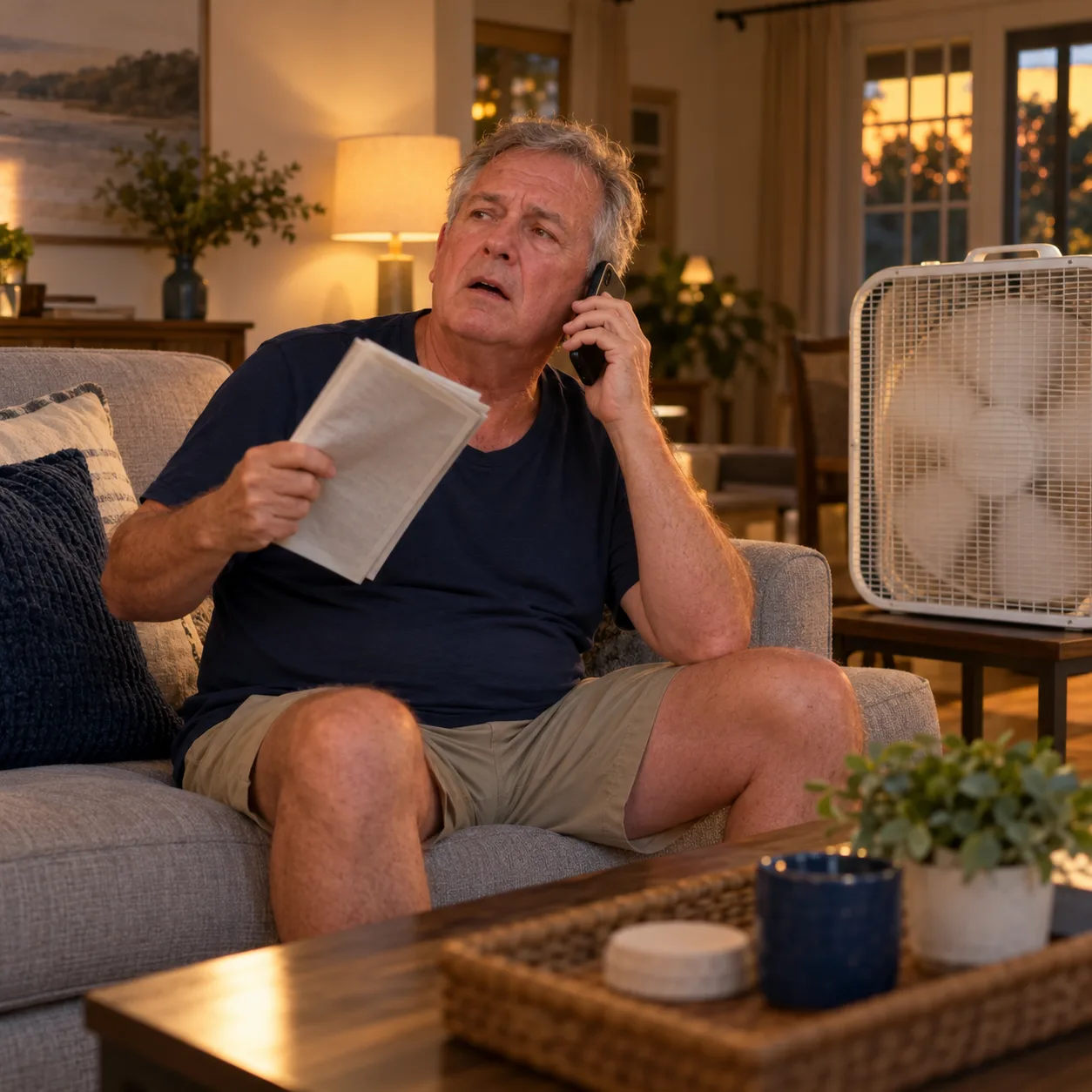
Separate Urgent HVAC Calls From Routine Requests
Your receptionist uses your urgency rules to separate calls needing an on-call handoff from messages your office can return. A no-heat report gets different intake from a request for seasonal maintenance.
Urgency rules
Tell your receptionist which heating and cooling problems need an on-call handoff.
Useful intake
Collect the caller's details and symptoms before the tech takes the conversation.
Routine messages
Take tune-up and service inquiries for office follow-up under your instructions.
More detail
An HVAC dispatch answering service gives your after-hours line a defined path from intake to the person you name. Your receptionist asks about the problem and uses the service and urgency information you supplied during setup.
For a no-heat report, the caller can explain who is at home and what has stopped working. For a tune-up inquiry, your receptionist can take details for a callback or book into Google Calendar. Your team sets the response policy and decides which situations warrant contacting the on-call tech.
How an Urgent Call Reaches Your On-Call Tech
The AI discloses that it is a virtual assistant and that the call is recorded, then gathers intake details. An urgent call follows your chosen warm-transfer or paging instructions.
Disclose first
The greeting identifies the virtual assistant and tells the caller about recording.
Explain the problem
Your receptionist gathers details and flags urgency using your business rules.
Offer the handoff
Your tech hears a short summary and presses 1 to accept.
More detail
A warm transfer lets your on-call person hear the reason for the call before accepting it. After the short summary, they press 1 to take the caller; you can choose paging instead and set the contact order.
Your call alert arrives by email and app push with a summary, urgency tag, transcript and recording. Those details help the tech prepare a callback or review what the homeowner reported. See the urgent-call intake checklist when deciding which questions belong in your own instructions.
Set Your Urgency Rules and Contact Order
You define what counts as urgent, who receives those calls and the order for reaching them. Your service area, hours and price policy also guide what the receptionist tells callers.
Name your contacts
Specify who receives urgent calls and the order to reach them.
Set the boundary
Explain which services and locations your HVAC shop actually covers.
Test the route
Place a test call before forwarding your business calls live.
More detail
The onboarding chat asks about your shop, including the situations that need an urgent handoff. Give it practical instructions: which no-heat conditions matter to your team, what services you handle and who receives an after-hours escalation.
Update settings by telling the AI in plain words when the contact order or business policy changes. Then test the call route so your team can check the summary and acceptance step. You can forward only after-hours calls or choose busy, no-answer or all-call coverage according to how your office works.
Safety Comes Before the Dispatch Conversation
For a gas smell or CO alarm, the AI tells the caller to get everyone out and call 911 or the utility from outside. It then alerts your team without giving repair instructions.
Leave the house
Gas-smell and CO-alarm scripts: get everyone out and call 911 or the utility from outside.
Call emergency help
Your receptionist directs these callers to 911 or the gas utility.
Alert your team
The AI passes on the report without walking callers through repairs.
More detail
The safety script puts getting out of danger ahead of describing the equipment problem. For gas smells or CO alarms, your receptionist directs the caller to get everyone out and call 911 or the utility from outside, then alerts the on-call tech.
We provide an answering and handoff service, not an emergency response service. Your receptionist does not troubleshoot a dangerous appliance or promise a technician's arrival time. Your on-call person reviews the report and decides the next field action under your shop's policy.
Try a Fictional Overnight No-Heat Call
The browser demo lets you describe no heat at 2 a.m. with an elderly parent at home. Listen to the intake and compare it with the questions your own shop needs answered.
Describe the situation
Use the fictional no-heat scenario and explain who is at home.
Check the questions
Listen for the details you would want before taking a callback.
Test your setup
Request a free trial to check your own urgent-call contact order.
More detail
The fictional demo shop gives you a way to hear urgent-call intake without signing up. Try the no-heat scenario, then the gas-smell or CO-alarm scenario to hear how the safety response changes the conversation.
The browser demonstration does not establish your shop's live on-call route. After trying the emergency scenarios, request a free dispatch trial to supply your real contact order and place a test call before live forwarding. Check the alert and warm-transfer acceptance step with the person who will receive urgent calls.
Frequently asked questions
Can it warm-transfer an urgent call to my on-call tech?
Yes. Your receptionist gives the on-call person a short summary, and they press 1 to accept the call. You can choose a page instead of a warm transfer and set the contact order. Configure the route during onboarding, then place a test call with your tech before sending live business calls through it.
What happens if my first on-call contact does not take the call?
Your urgent-call setup uses the contact order you provide. Give the receptionist the people to reach and the escalation instructions your shop wants followed. Test that route with the first contact unavailable so you can check the next step. Your team also receives the call details through email and app push notifications for review and follow-up.
Can it tell a no-heat call from an AC tune-up request?
It asks HVAC intake questions and flags urgency according to your shop's instructions. You define which conditions need an urgent handoff, and routine requests can be taken for a callback or booked into Google Calendar. Include examples from your service policy during onboarding, then check both an urgent report and an ordinary maintenance inquiry in testing.
Will it promise an arrival time or quote an emergency repair?
Your receptionist follows the price policy and business instructions you give it. It can explain your stated diagnostic fee or collect details for your callback, but it does not invent a repair quote or technician arrival time. Your on-call person decides the field response after reviewing the caller's situation and the availability of your crew.
How do I receive the details of an overnight call?
We send an email and app push notification for each call, including a summary, urgency tag, transcript and recording. You can also review calls in the dashboard and receive a daily digest email. Check those alerts during setup so the person handling overnight requests knows where to find the homeowner's report and callback details.
Can I keep my office answering and forward only after hours?
Yes. You can forward only after-hours calls, or choose busy, no-answer or all-call forwarding. The receptionist answers the calls your phone setup sends to it. We provide a forwarding guide and a test call before launch, so you can check the chosen conditions while keeping your business number in use.
Hear the Urgent-Call Intake for Yourself
Describe an overnight heating problem in the demo. Request a free trial to add your shop's urgency rules and on-call contacts; we'll email your sign-in link when ready.