AI Receptionist for HVAC Calls, Day and Night
An AI receptionist for HVAC answers your forwarded calls, asks service questions and routes urgent requests using your shop's rules. Try a no-heat call in the browser demo to hear the greeting, intake and handoff, then request a free trial.
A 14-day free trial on request, up to 100 minutesPrivacySecurity
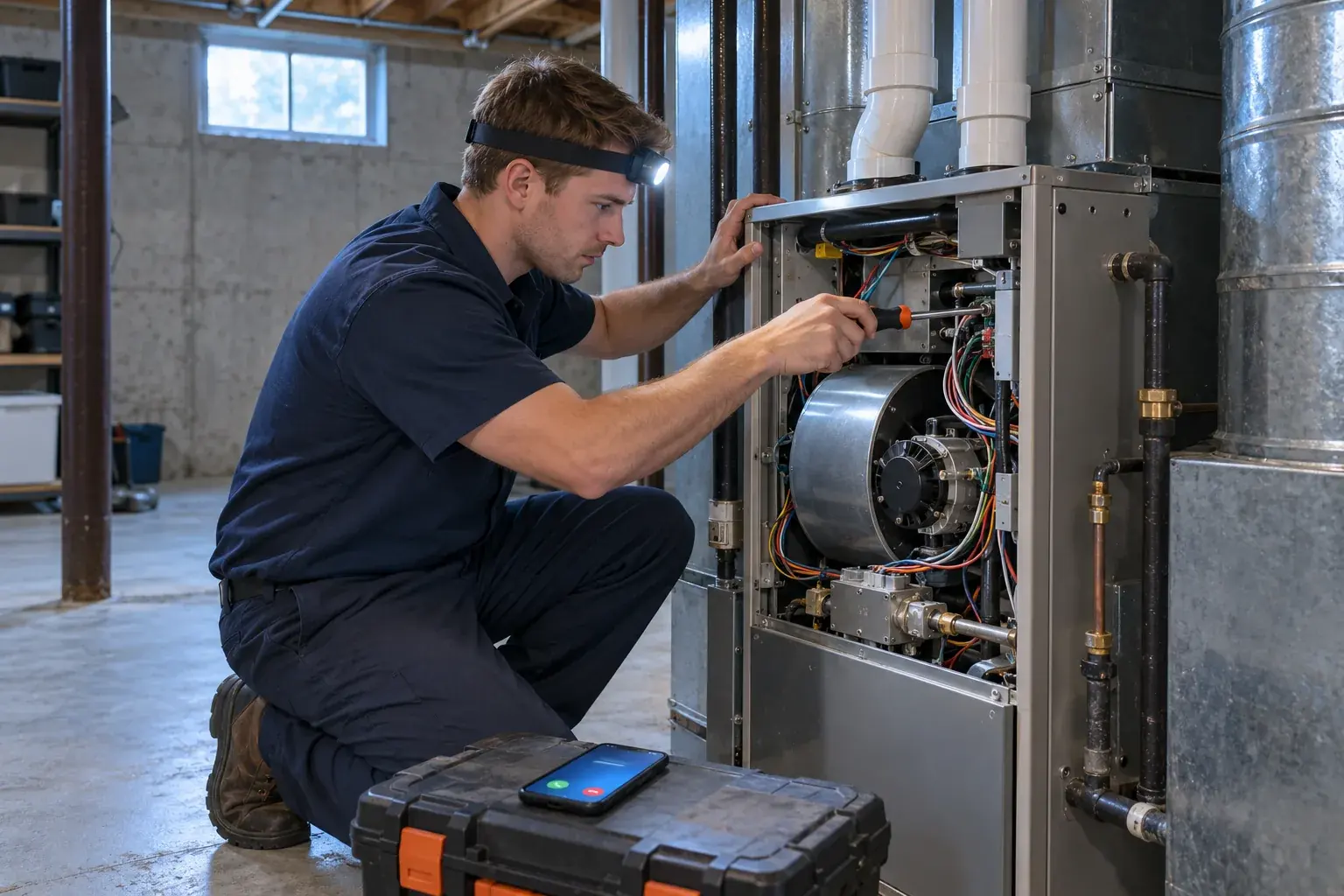
What an AI Receptionist Does for Your HVAC Shop
Your HVAC AI receptionist handles the first conversation when a call reaches it. It identifies your business, collects the service request and follows your instructions for booking, messages or urgent routing.
Business intake
Ask about the caller's HVAC problem using your shop's rules.
Clear identity
State that a virtual assistant is answering and recording.
Useful next step
Book, take a message or route an urgent request.
More detail
An AI answering service for HVAC gives incoming calls a place to go while you are working on equipment or your dispatcher is occupied. Once calls forward to it, the receptionist answers as your business and gathers the information needed for the next step. It works from the services and policies you provide during setup.
You choose whether a routine request becomes a Google Calendar appointment or a message for your callback. Urgent requests follow the contact order you set. The AI does intake and routing, while your team makes repair decisions and handles work in the field. Try the HVAC call demo with a service question you hear at your own shop.
How a No-Heat Call at 2 a.m. Gets Handled
A no-heat call starts with disclosure and intake, then follows the urgency rules you set. The receptionist gathers the situation and routes an urgent request to your on-call person for review.
Describe the situation
Collect the heating problem and information for your callback.
Apply your rules
Flag urgency using the instructions you gave during onboarding.
Brief the tech
Give the on-call recipient a summary before accepting a transfer.
More detail
In the fictional demo scenario, a caller has no heat at 2 a.m. and an elderly parent at home. Your receptionist opens with the virtual-assistant and recording notices, then asks intake questions about the request. It uses your urgency rules to decide how the call should be routed.
For a warm transfer, your on-call person hears a short summary and presses 1 to take the conversation. Paging is another option, and you control the contact order. You receive the call summary, urgency tag, transcript and recording through email and app push alerts.
If the caller reports a gas smell or CO alarm, the safety script tells them to get everyone out and call 911 or the utility from outside, then alerts you. The receptionist does not give repair instructions for that situation.
Teach It Your Services, Area, Hours and Price Policy
Your receptionist learns from a 10-15 question onboarding chat and your website. You supply the shop policies it needs, including work you decline and what it may say about prices.
Define the work
List the services you offer and jobs you decline.
Set your boundaries
Provide service area, opening hours and urgent call instructions.
Control price answers
Use your diagnostic fee policy or approved pricing guidance.
More detail
Your shop's rules shape the conversation from the first service question. Tell the AI which equipment and services you handle, where you travel and when the office is open. Include work you do not take, so a caller asking for an unsupported service gets an answer based on your policy.
For price shoppers, choose what the receptionist may explain. That can mean your stated diagnostic fee, ranges you supply or a policy of taking details for your callback. It does not invent a quote.
Give the same care to urgent routing: specify what counts as urgent and who should receive those calls. Later, change the settings by telling the AI in plain words and checking the result in the dashboard.
Where AI Fits and Where Live Staff Add Value
AI suits defined intake and routing that you want available day and night. Live staff add judgment when a caller needs an exception, a difficult explanation or help beyond your written shop policies.
Repeatable intake
Use your business instructions for routine requests and urgent routing.
Night coverage
Answer forwarded calls while your office is closed for the evening.
Human judgment
Keep unusual decisions and sensitive customer discussions with your team.
More detail
AI is a practical fit when the task has a defined next step: gather a service request, take a message or contact the on-call person. You set the instructions and inspect the results through call summaries, recordings and transcripts. Night coverage uses those same business rules once your calls forward to the receptionist.
A live receptionist or call center agent can bring judgment to an upset caller, an unusual request or a policy exception. Your own office also knows the day's field conditions and relationships in ways a set of intake rules cannot capture. Keep those decisions with your team. Use the demo and request a free trial to assess the actual conversations you want the AI to handle before broadening its role.
Hear an AI Phone Answering System for HVAC Companies
An AI phone answering system for HVAC companies needs to ask useful service questions and explain the next step clearly. Hear its voice and wording yourself using a fictional shop in the browser demo.
Service context
Hear intake for heating problems, cooling requests and routine tune-ups.
Language choice
Speak English or Spanish and switch languages during the call.
Direct proof
Judge the conversation yourself, then request a free trial for your business.
More detail
The demo lets you judge an AI receptionist for HVAC companies by speaking to it. Call the fictional shop about a tune-up, ask what a new AC costs or describe an overnight heating problem. Listen for useful questions, clear next steps and price answers that follow the demo shop's policy.
The receptionist speaks English and Spanish, and callers can change language during the conversation. Its opening states that it is a virtual assistant and that recording is on. Listen to that greeting as part of the experience your callers will hear.
A browser conversation gives you evidence of the voice and intake before you supply your own business information. No signup is needed for the demo.
Start With Daytime Overflow, Then Add Nights
Begin with busy or unanswered daytime calls so you can inspect intake while your office is available. Add after-hours forwarding after checking your urgent rules, contact order and test call results.
Choose overflow first
Forward busy or unanswered calls while staff handle the main line.
Review actual intake
Read summaries and check recordings before changing your coverage.
Prepare the night route
Test urgent contacts before enabling your after-hours forwarding.
More detail
Daytime overflow gives you a defined starting point for your trial. Keep your office answering first and forward busy or unanswered calls to the receptionist. Review the summaries, transcripts and recordings to see whether the intake gives your team what it needs for callbacks.
Update unclear service or price policies in the dashboard by telling the AI what to change. Before adding nights, test an urgent call with the person who will receive it. Confirm the summary, transfer acceptance and contact order, then check your after-hours forwarding setup.
This rollout lets you evaluate the conversation and the handoff in separate steps. Request your receptionist's free trial to enter your rules and prepare your first test.
Frequently asked questions
Does the AI know a no-heat call from a tune-up request?
It asks HVAC intake questions and applies the urgency rules you supply. Define how your shop treats a heating outage compared with routine maintenance, then test both scenarios. An urgent request can trigger your chosen on-call route, while a tune-up can follow your booking or callback instructions.
Will it quote a new AC price over the phone?
It follows your price policy. You can supply approved ranges, allow it to explain your diagnostic fee or require a callback for pricing. If your shop does not give installation quotes by phone, tell the receptionist that during setup. It takes the details rather than inventing an amount.
Can it book appointments into my field-service software?
Direct connections to field-service software are not live at launch. Appointment booking is available in Google Calendar, or the receptionist can gather the details for your team to call back. Use the call summary to enter information into the job software your office already uses.
How will I receive messages while I am on a job?
You get an email and an app push notification for each call, including the summary, urgency tag, transcript and recording. The dashboard holds call details and usage, and a daily digest arrives by email. Review the summary first, then check the conversation when a request needs more context.
Can I choose who gets urgent calls after hours?
Yes. Set the urgent contact order during onboarding and choose warm transfer or paging. In a warm transfer, your recipient hears a short summary before pressing 1 to accept. Test the route with your on-call person before enabling after-hours forwarding, and update it when your arrangements change.
Can callers speak Spanish or switch languages?
Yes. Your receptionist speaks English and Spanish, and callers can switch language during a call. Use the Spanish-speaking scenario in the browser demo to hear the conversation. During your own test call, check that the service questions and next step reflect the rules you supplied for your business.
Hear Your Next HVAC Intake Conversation
Try a tune-up, price question or overnight no-heat request in the demo. Request a free trial to test your shop's own rules; we'll email your sign-in link when ready.